






Description
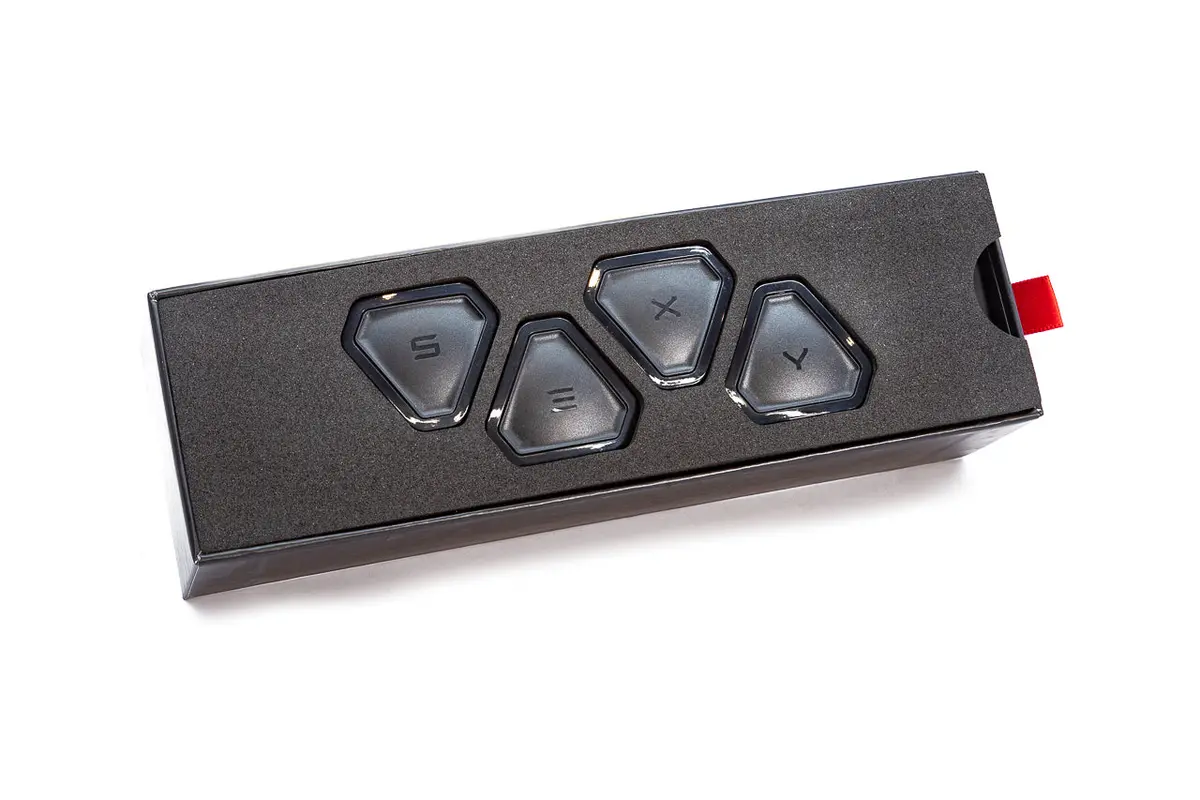
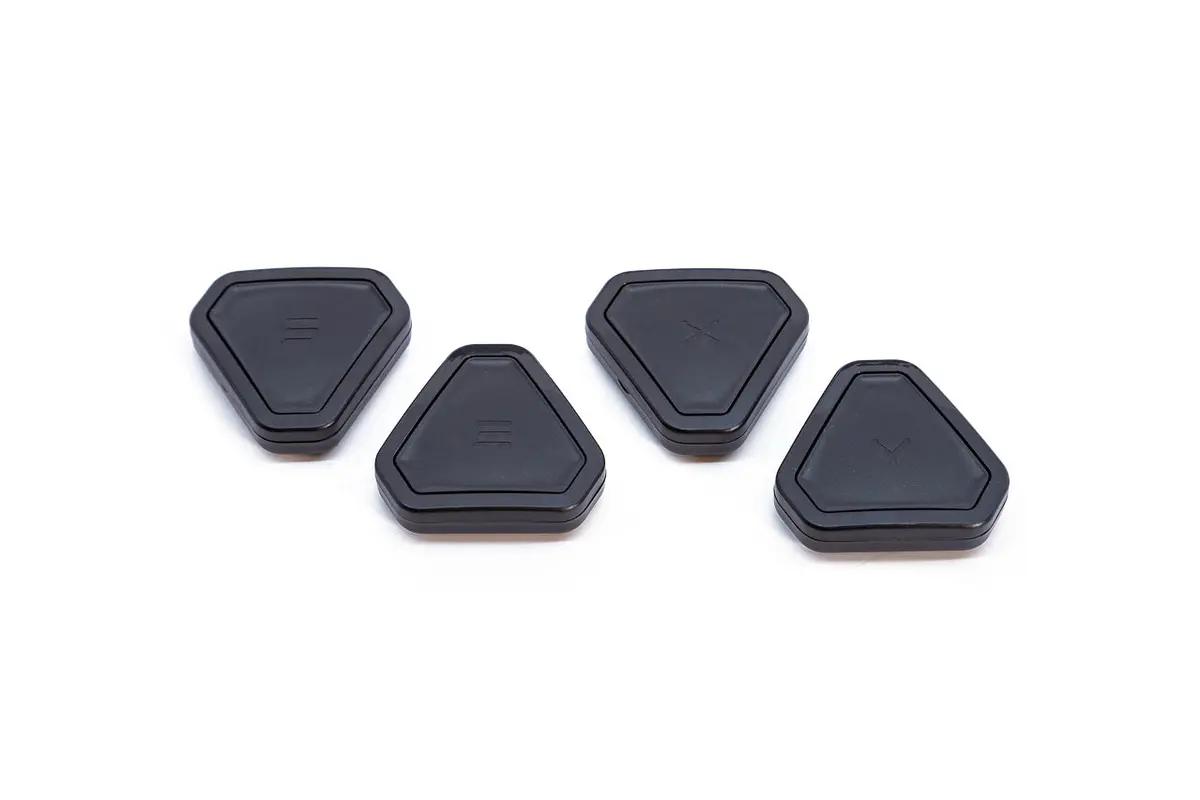
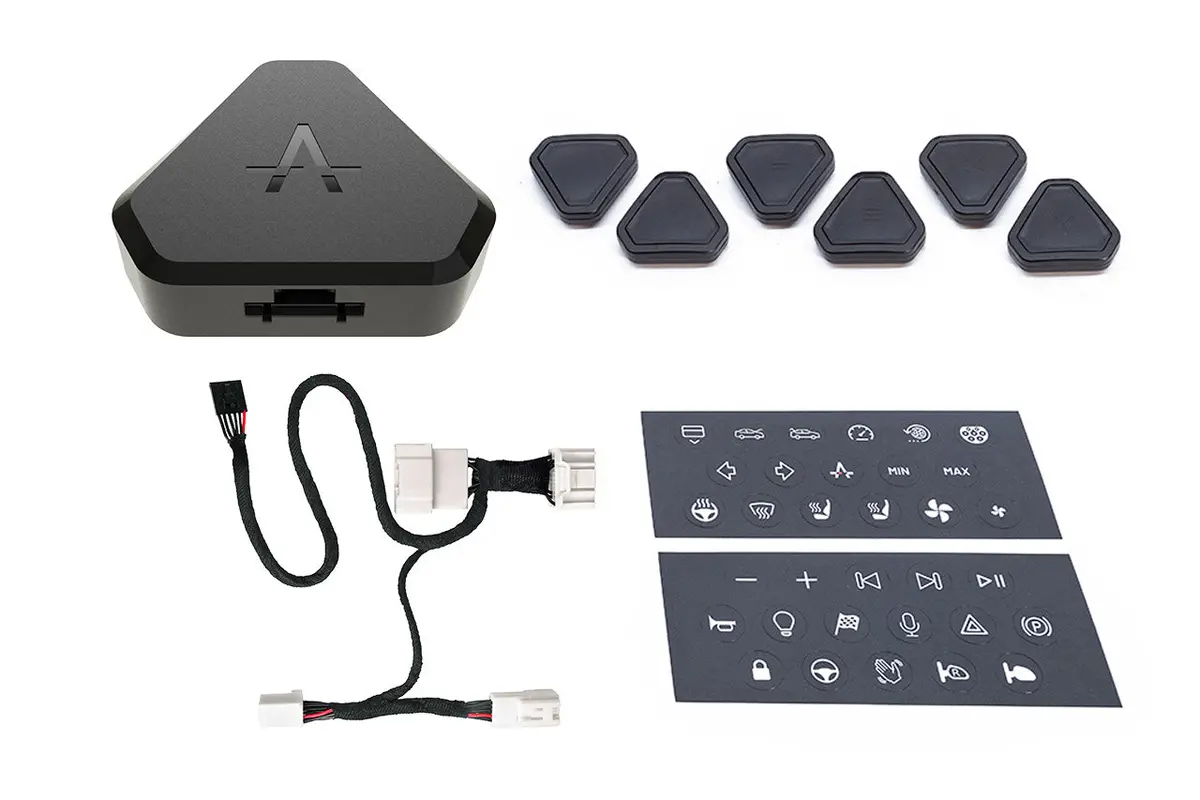
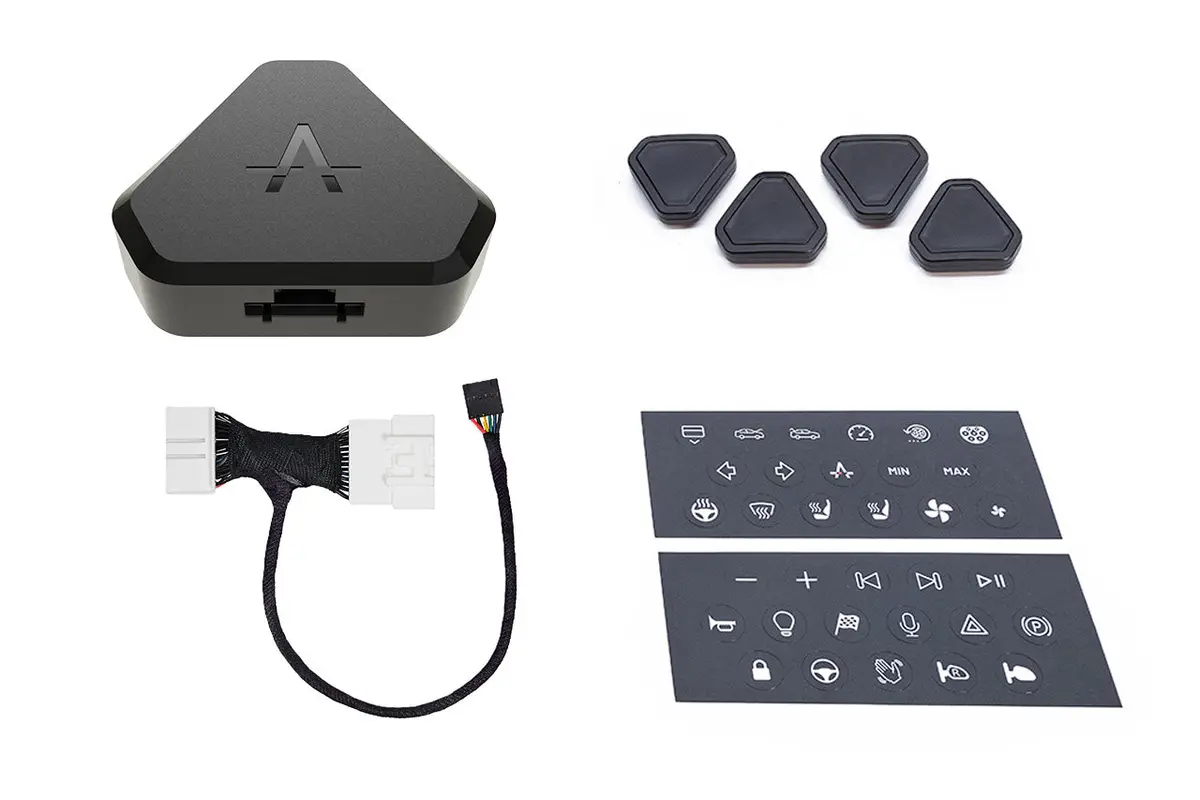
Tesla has done an amazing job creating a central control system for managing all aspects of the car. But sometimes it would be great if you could just press a button to toggle the most commonly used functions immediately, without navigating through the screen or taking your eyes off the road. Now you can! The S 3 X Y function buttons allow you to simply press a button to toggle the functions you desire. These configurable buttons communicate wirelessly. Once you configure the buttons for the functions you like, the buttons can be attached wherever you desire using the adhesive backing, then simply ‘pressed’ to toggle the commands they are configured for! Some of the most popular commands include climate fan speed control, open glovebox, open truck/frunk, mute radio, and more! See all supported functions HERE.
This DIY button system is easily installed using the plug-and-play harness and commander module. A simple to use smartphone app is used to configure the buttons. The whole system is installed without making any permanent mods and can be reversed and uninstalled easily.
The updated version 2.0 buttons are now released for pre-order! Updated features include faster reaction time and expanded functionality.
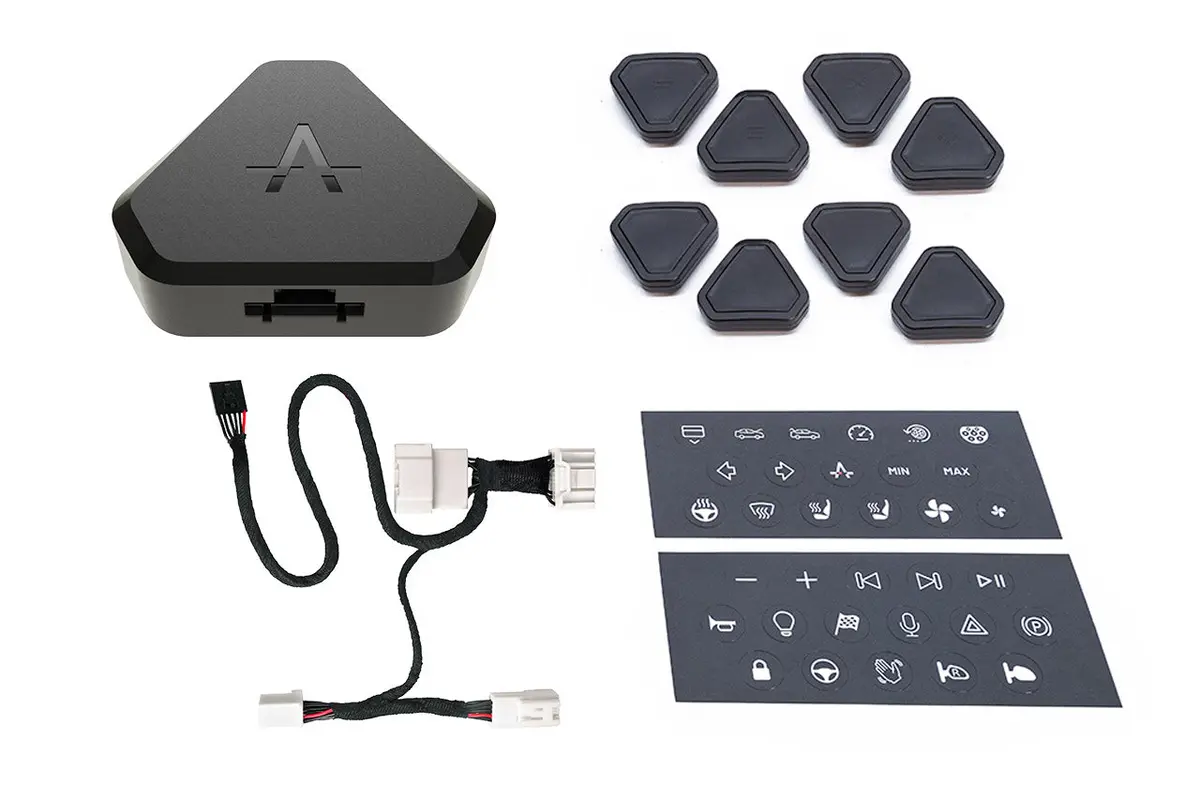
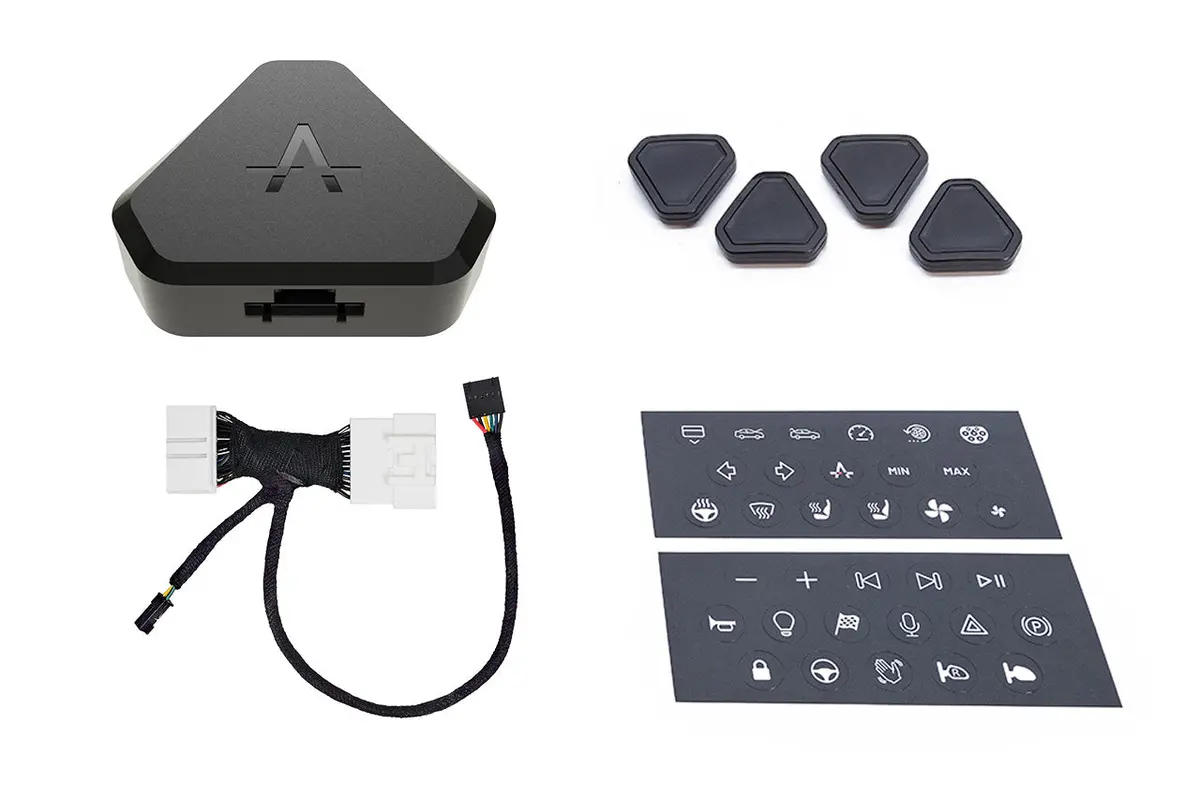
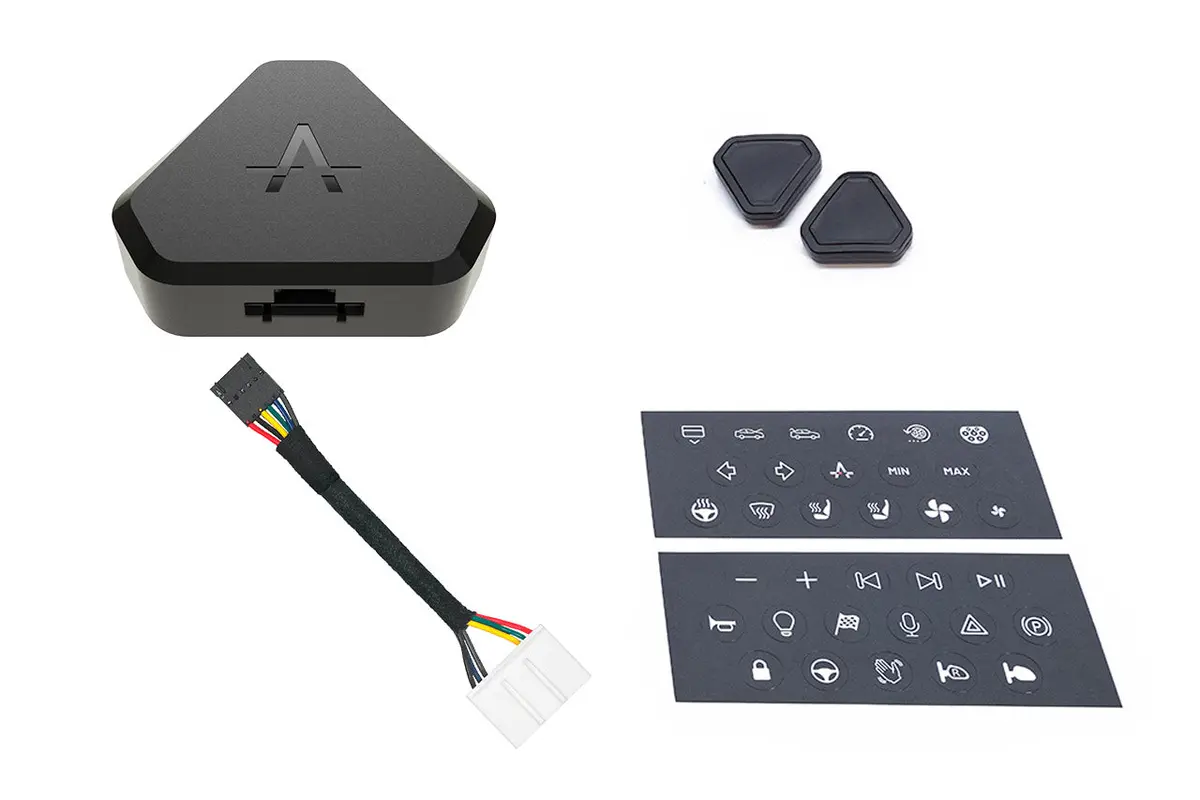
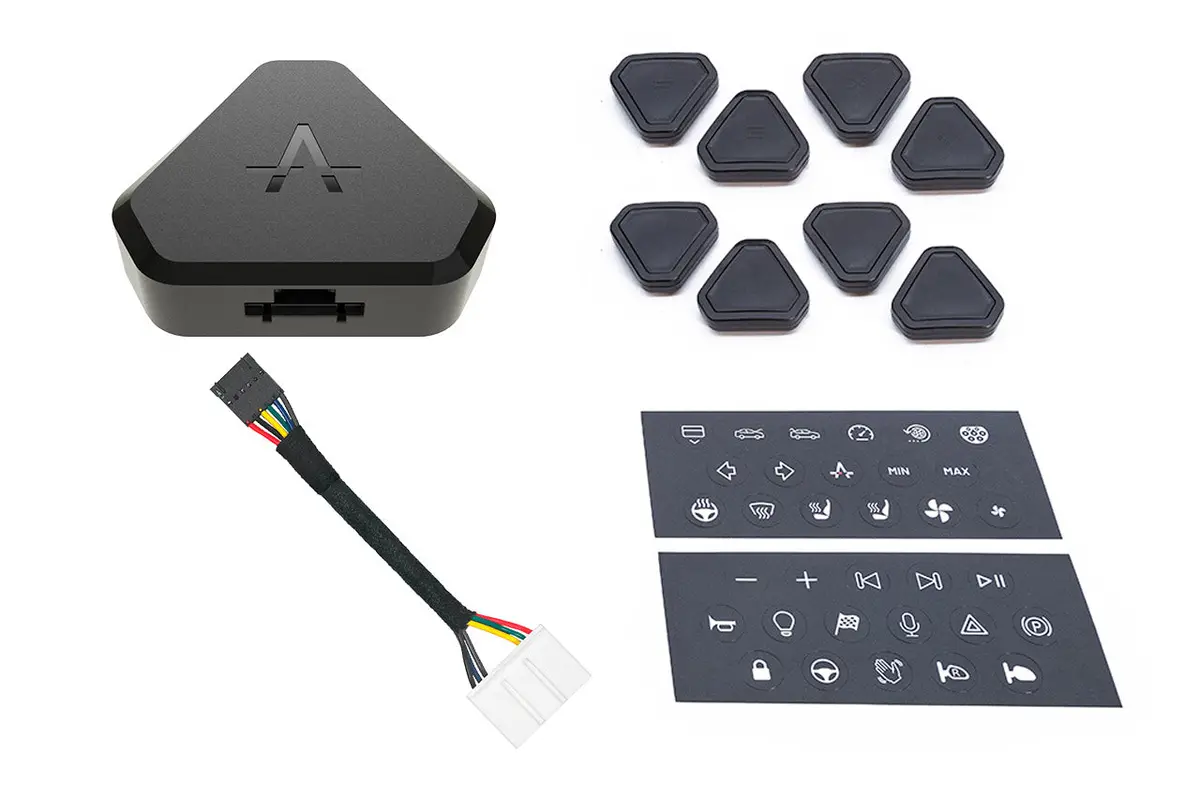
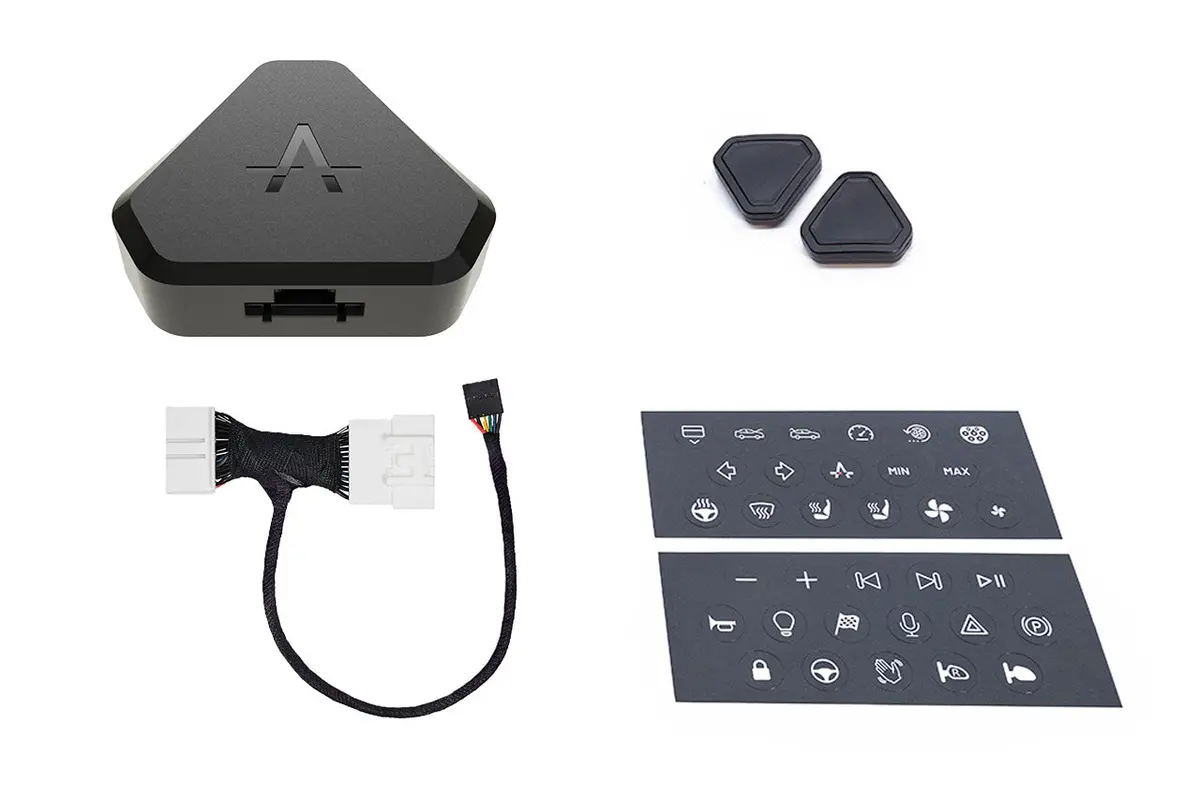
What is included:
- The S3XY / SEXY buttons (quantity 2, 4, 6, or 8) – with adhesive backing tape
- Button label decals
- Commander module v2.0 – Bluetooth 5.0 / encrypted, 10 meter range
- Controls buttons
- Enables Smartphone App with configurable Dashboard
- Also compatible with select 3rd-party apps
- Plug-and-play harness
System Specifications
- Button size: 35.6mm x 32.2mm x 9.6mm
- Bluetooth 5.0 communications
- Low energy mode
- Custom encryption
- Long battery life (2 years)
- Battery type (CR2032)
- Range 10m
- FCC, CE, R
Download the App:
 |
 |
DIY Installation:
Typically 5-10 minutes to install the Commander and 5-10 minutes to setup the buttons in the app
- Move driver seat fully forward
- Power off your vehicle from the main screen
- Remove plastic cover at the back of the central console
- Plug-in our cable between the two connectors of the vehicle
- Place back the plastic cover
- Connect to system with App
- Setup buttons for functions
- Enjoy!
Explore more from our collection.

Reviews
There are no reviews yet.